Published Apps
Create
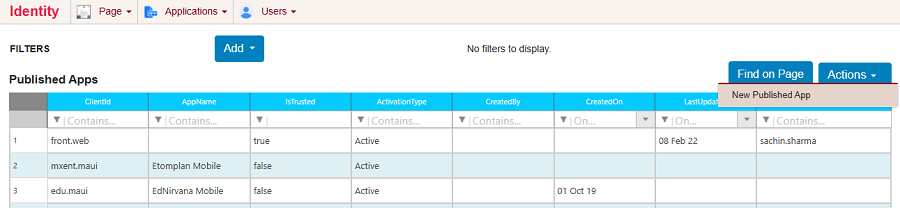
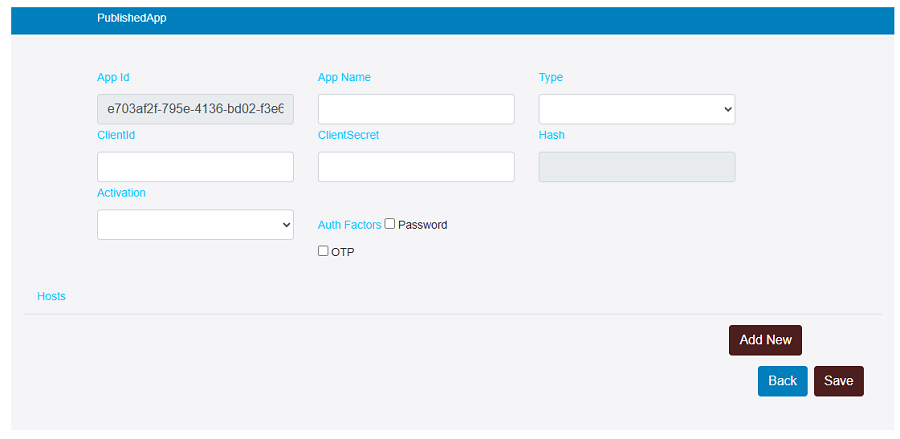
To create the Published Apps, click on Applications Menu - > Published Apps->Actions->New Published App.
List
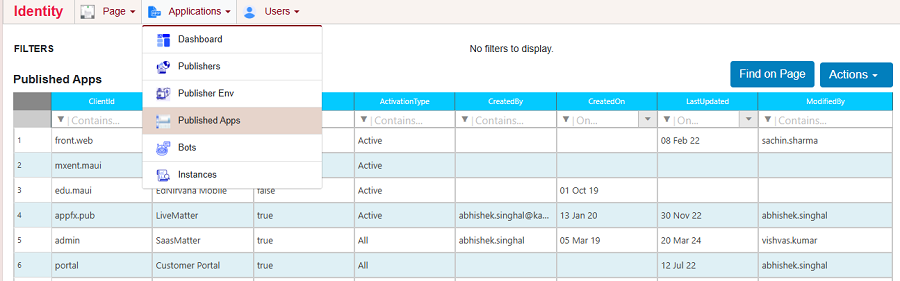
To see the listing of published Apps, click on Applications Menu - > Published Apps.
Edit
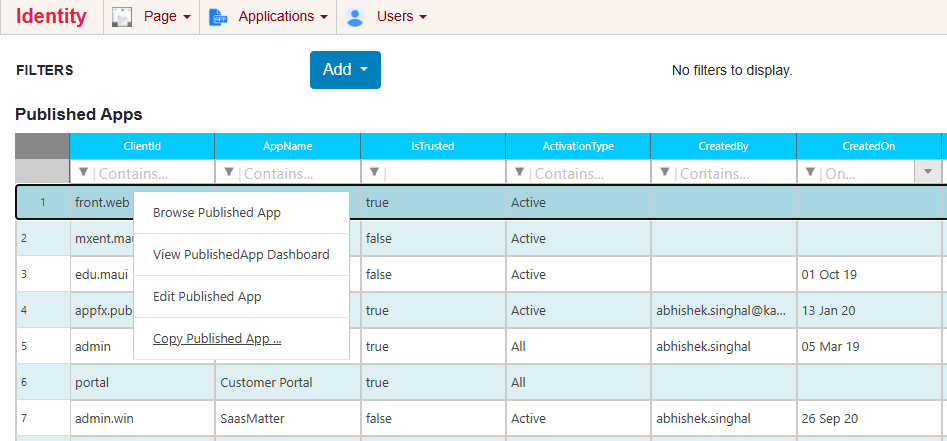
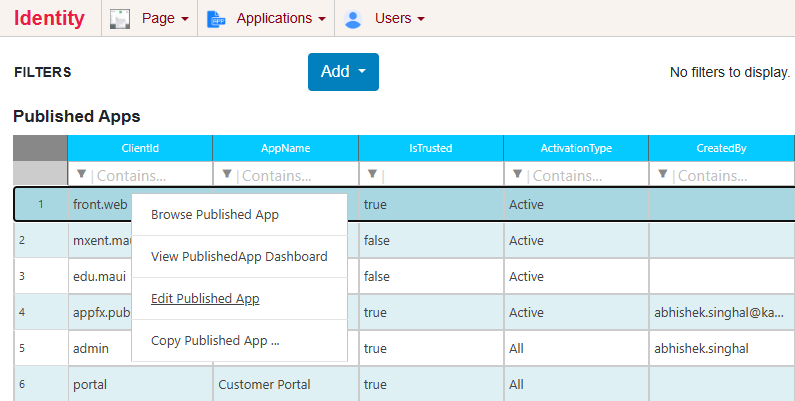
To edit published app details, right click on published app -> Edit Published App.
View PublishedApp Dashboard
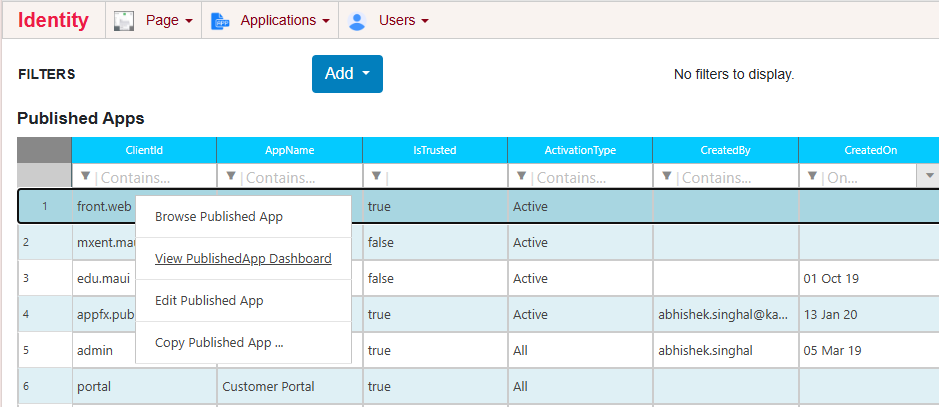
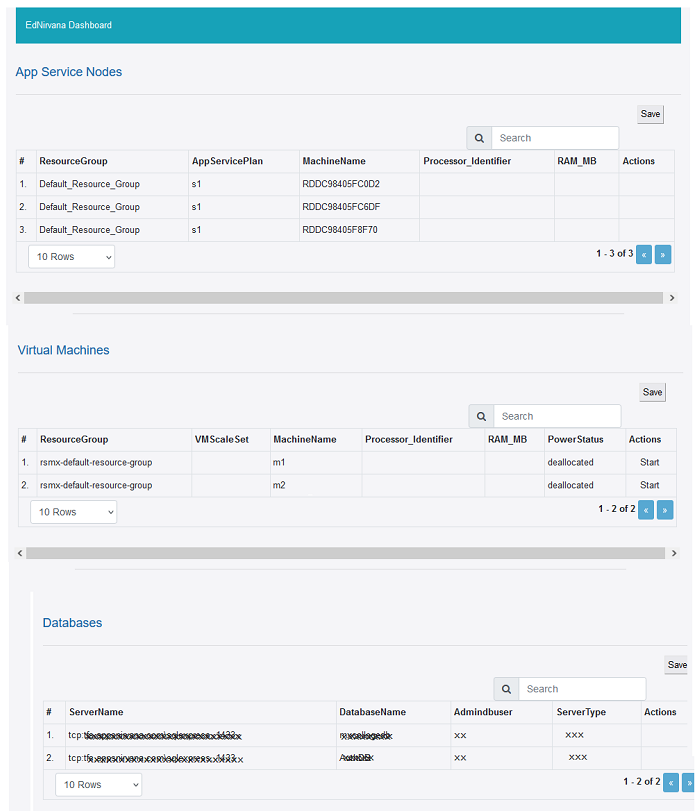
To see the PublishedApp Dashboard, right click on the published app ->View PublishedApp Dashboard.
Copy
To copy the details of the published app, right click on the published app -> Copy Published App.