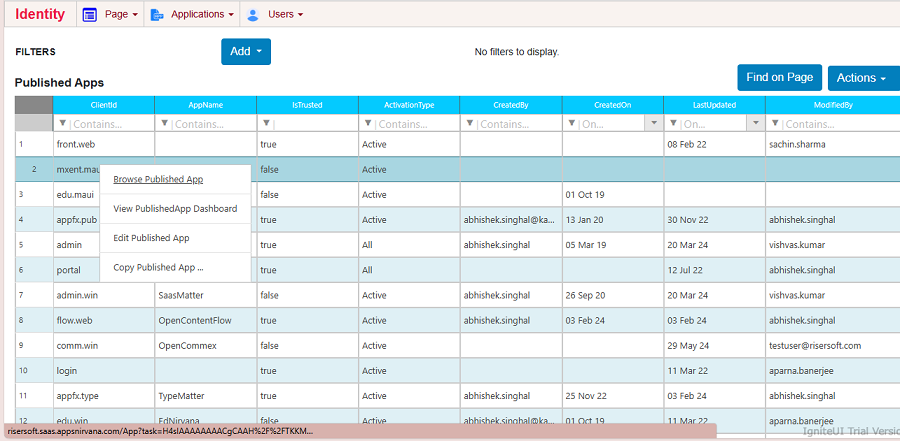
Browse Published App
To browse the Published App, click on Applications Menu - > Published App -> Right Click -> Browse Published Apps.
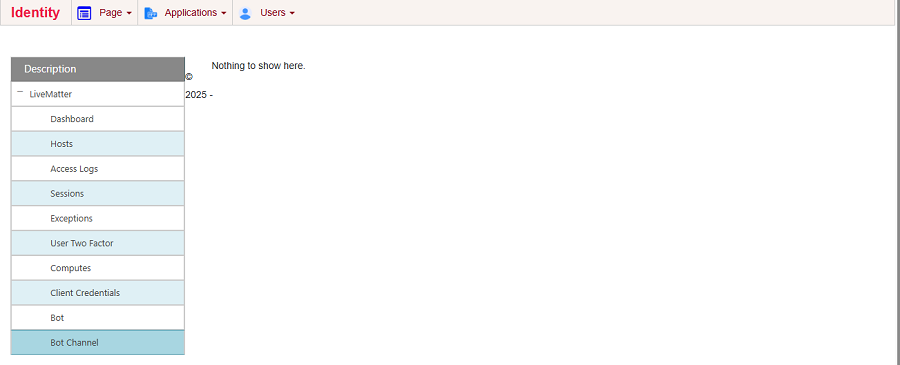
Browse Options
To see published app browse options expend node clicking on + sign.
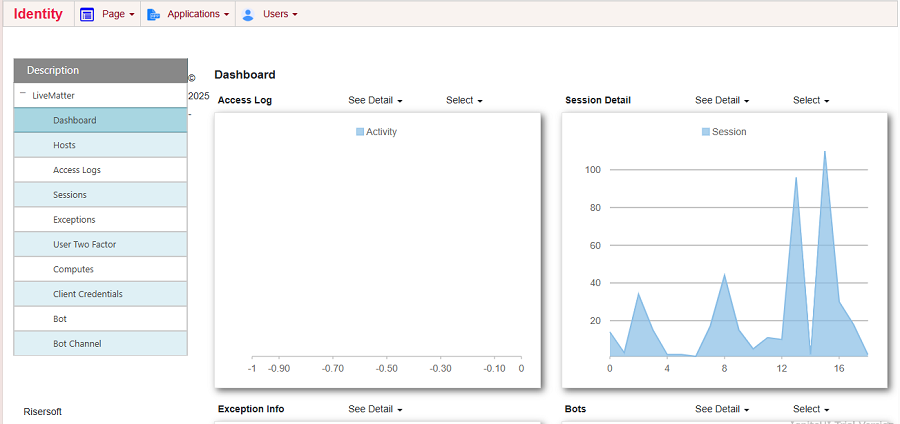
Dashboard
To view published app dashboard, navigate Applications menu -> Browse Published App -> Dashboard.
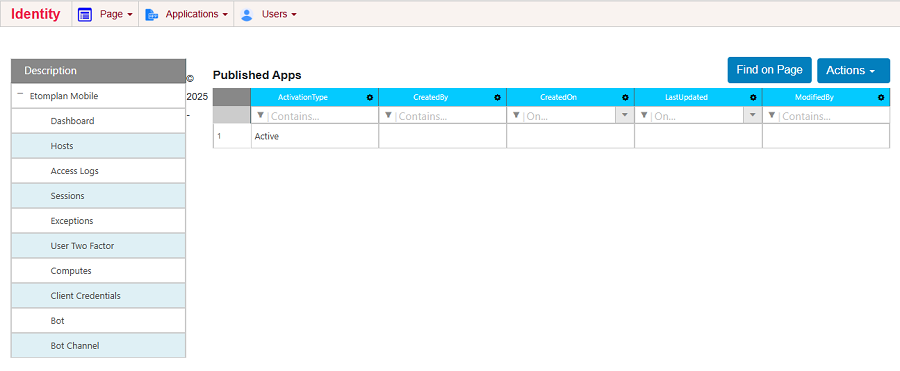
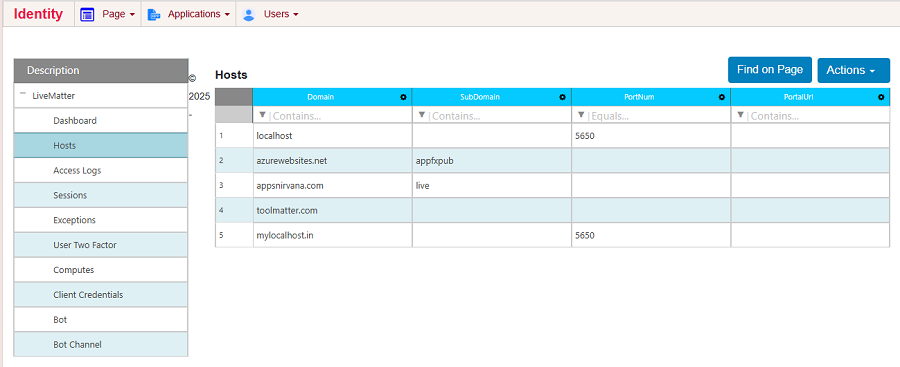
Hosts
To see the listing of host , click on Applications Menu - >Browse Published App-> Hosts.
Access Logs
To see the listing of Access Logs, click on Applications Menu - >Browse Published App-> Access Logs.
Sessions
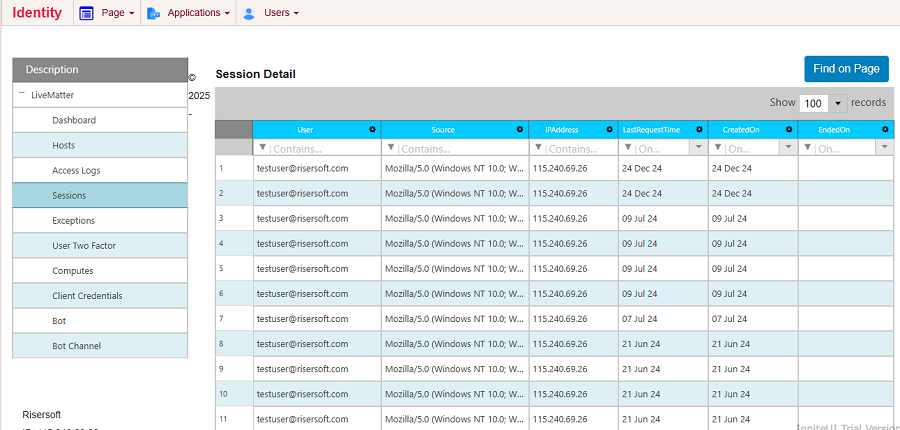
To see the listing of Sessions, click on Applications Menu - >Browse Published App-> Sessions.
Exceptions
To see the listing of Exceptions click on Applications Menu - >Browse Published App-> Exceptions.
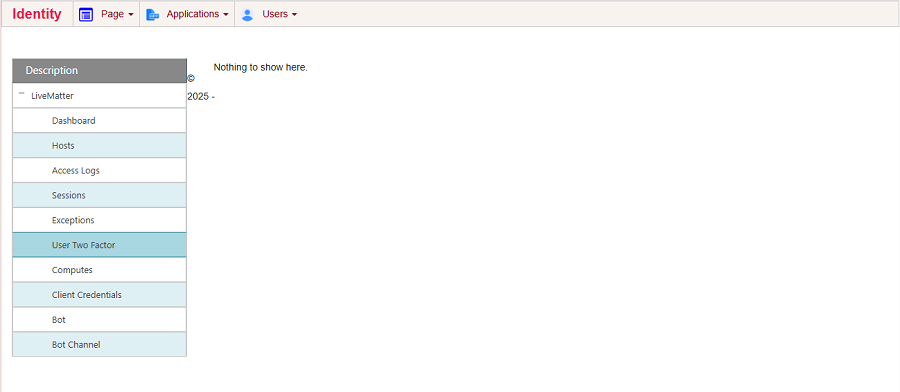
User Two Factor
To see the listing of User Two Factor click on Applications Menu - >Browse Published App-> User Two Factor.
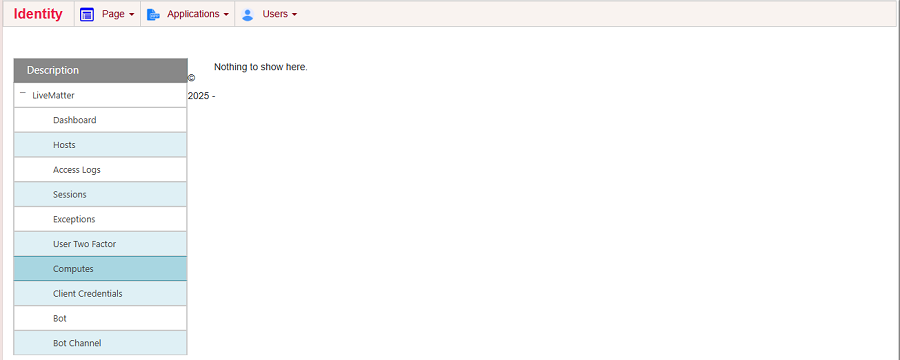
Computes
To see the listing of Computes click on Applications Menu - >Browse Published App-> Computes.
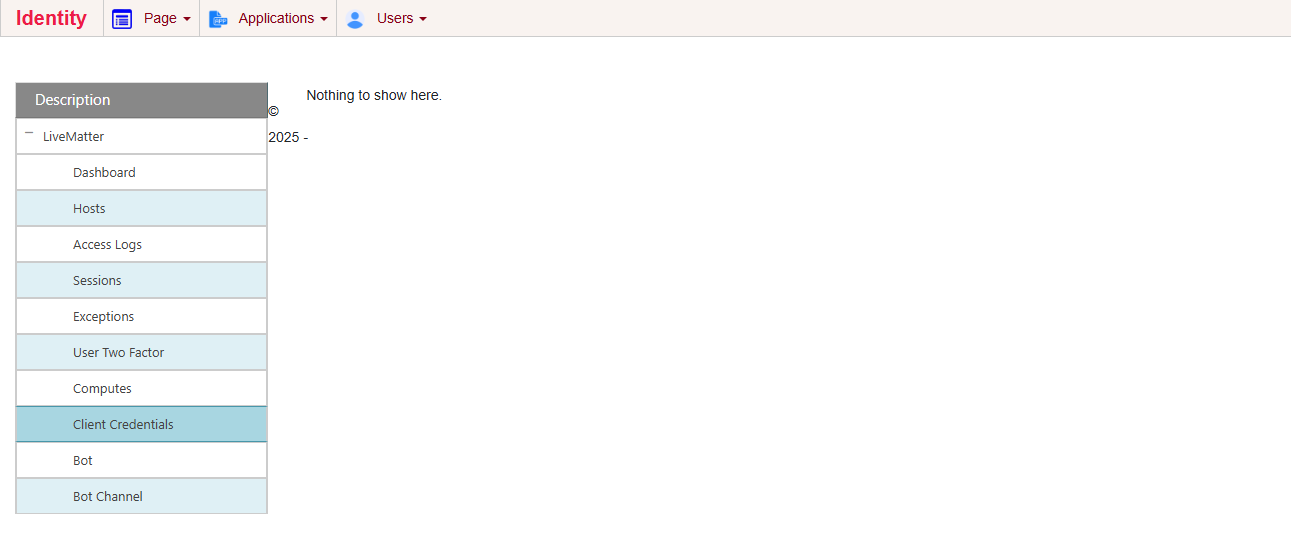
Client Credentials
To see the listing of Client Credentials click on Applications Menu - >Browse Published App-> Client Credentials.
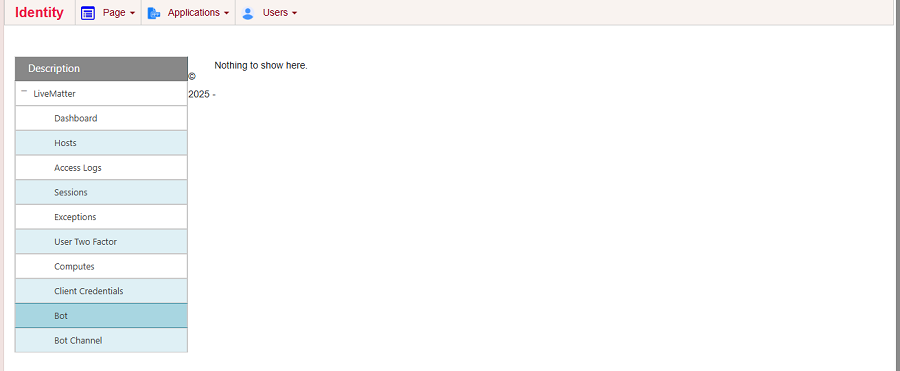
Bot
To see the listing of Bots click on Applications Menu - >Browse Published App-> Bot.
Bot Channel
To see the listing of Bot Channel click on Applications Menu - >Browse Published App-> Bot Channel.