My Courses
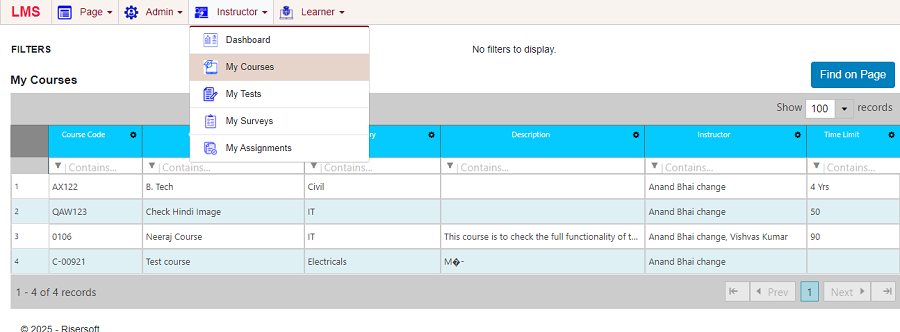
View List of Courses
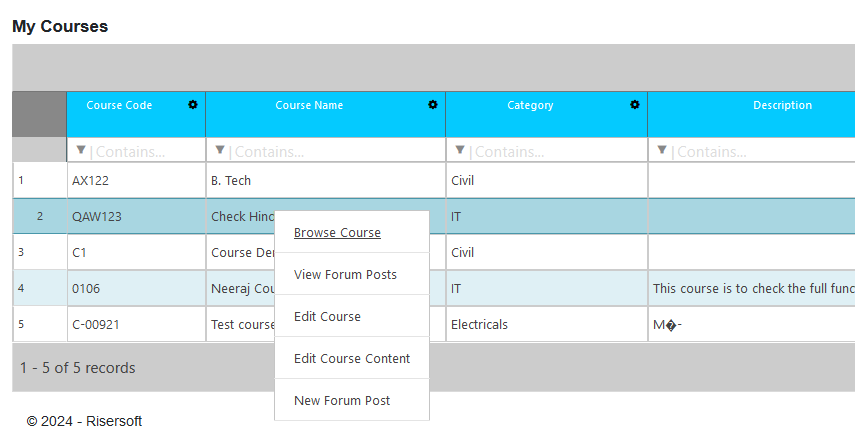
To view List of Courses assigned to you as an instructor, navigate Instructor > My Course List of all course assigned to you as an Instructor will appear.
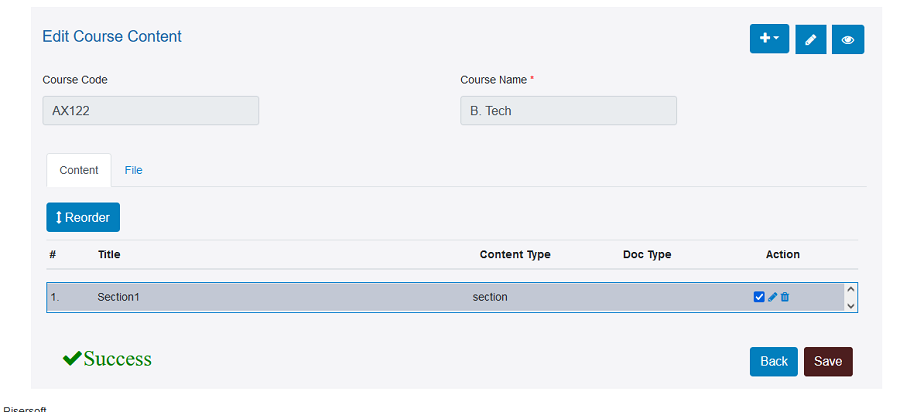
Edit Course Content (Add Course Content)
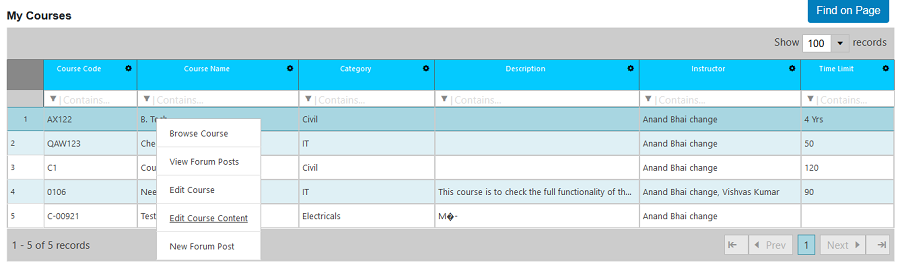
To edit content of the course, navigate Right click on Course > Edit Course Content
An Instructor can add multiple type of Course Content
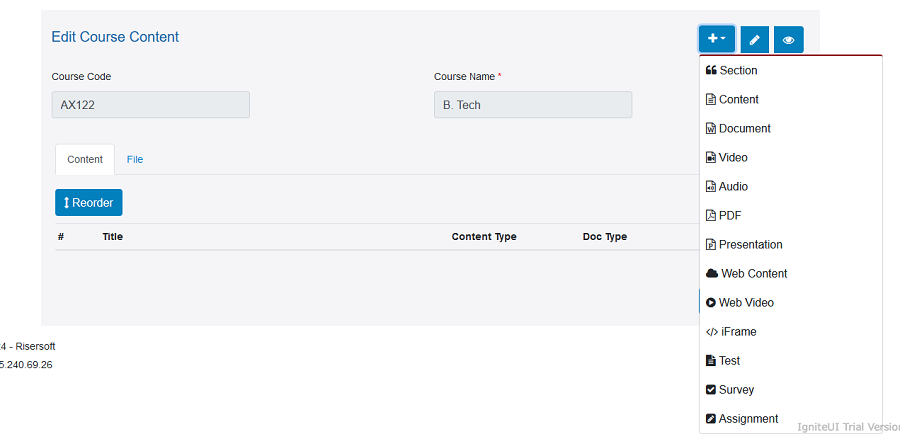
Once the content is created, save the form and the content will be saved for the course.
Browse Course
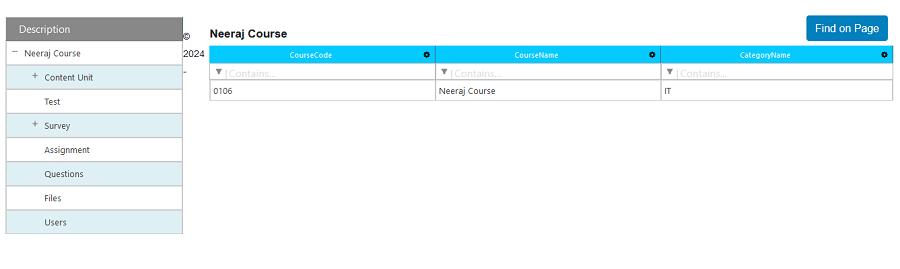
To Browse Courses assigned to you as an instructor, navigate Instructor > My Course->Right Click ->Browse Course.
After browse course you can see all related information of assigned course at a glance.